Projects / CloudBank

Shipping, v3.2.0. Open source under AGPL-3.0.
CloudBank
Your money, self-hosted. A free personal finance manager — a from-scratch web port of HomeBank, built for the browser and the cloud.
Try it without installing anything
A live CloudBank with a year of made-up money in it. One button gives you an account of your own — no sign-up, no email, no password — so change anything you like.
It forgets you on purpose. Your demo account is deleted after two hours without use, every night, and whenever the demo is updated. Bank sync talks to a pretend bank, and attachments, AI and notifications are off. What the demo is. Have a proper look, but don't put anything real in it — for that, run your own, which takes one container.
What it is
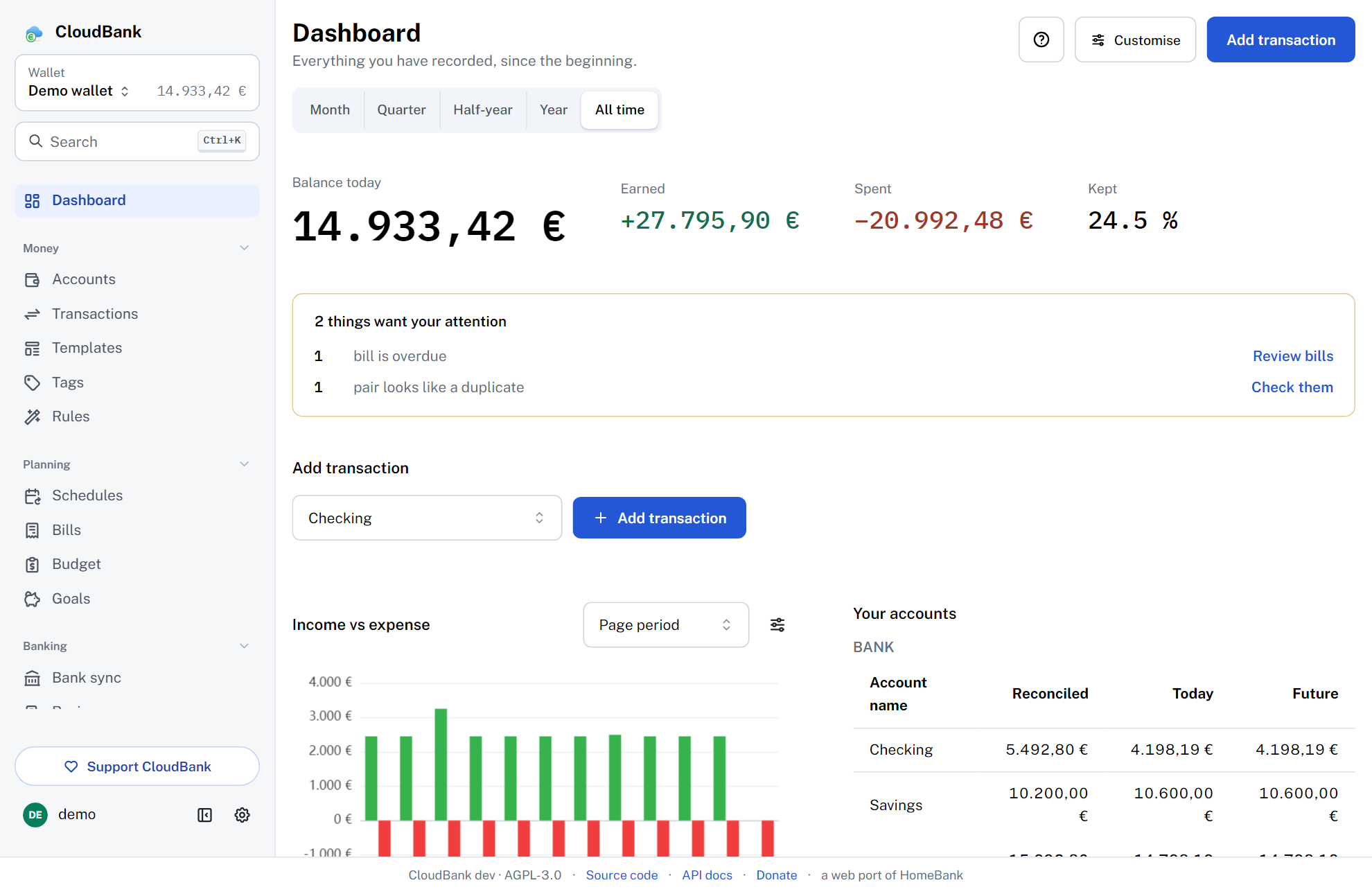
CloudBank brings the HomeBank workflow — accounts, a powerful transaction register, scheduled transactions, budgets and rich reports — to a web UI you can reach from any device, while your data stays in a SQLite database on a server you control. It ships as a single Docker container, with no external database to run.
It's an independent, clean-room reimplementation — it doesn't copy or link any HomeBank source code, and it tracks parity with current and future HomeBank releases.
Features
- Every account type
- Bank, cash, checking, savings, credit card, liability, asset and investment accounts — each with its own currency, default payment mode, and both today's and a projected future balance.
- Transactions
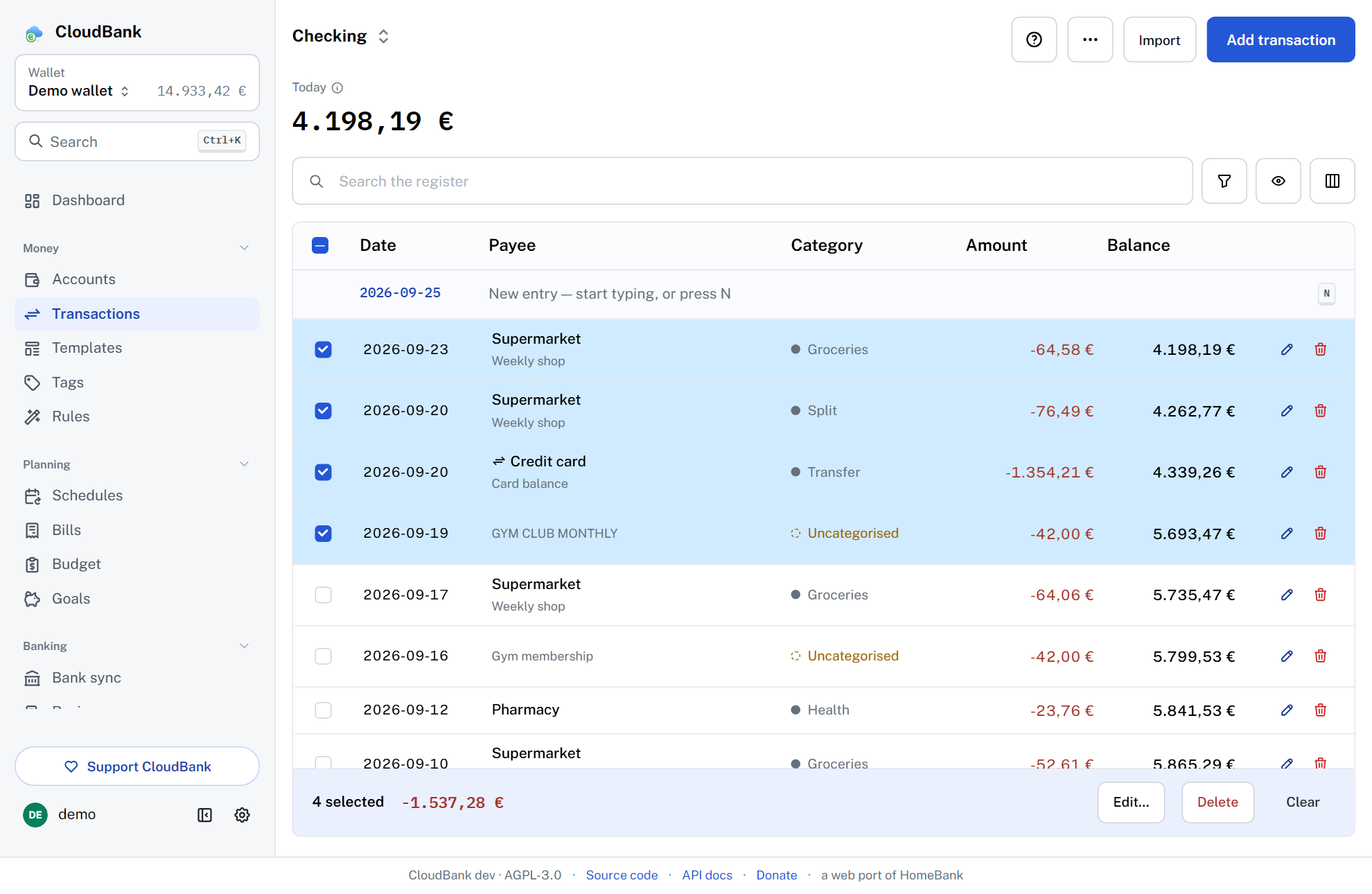
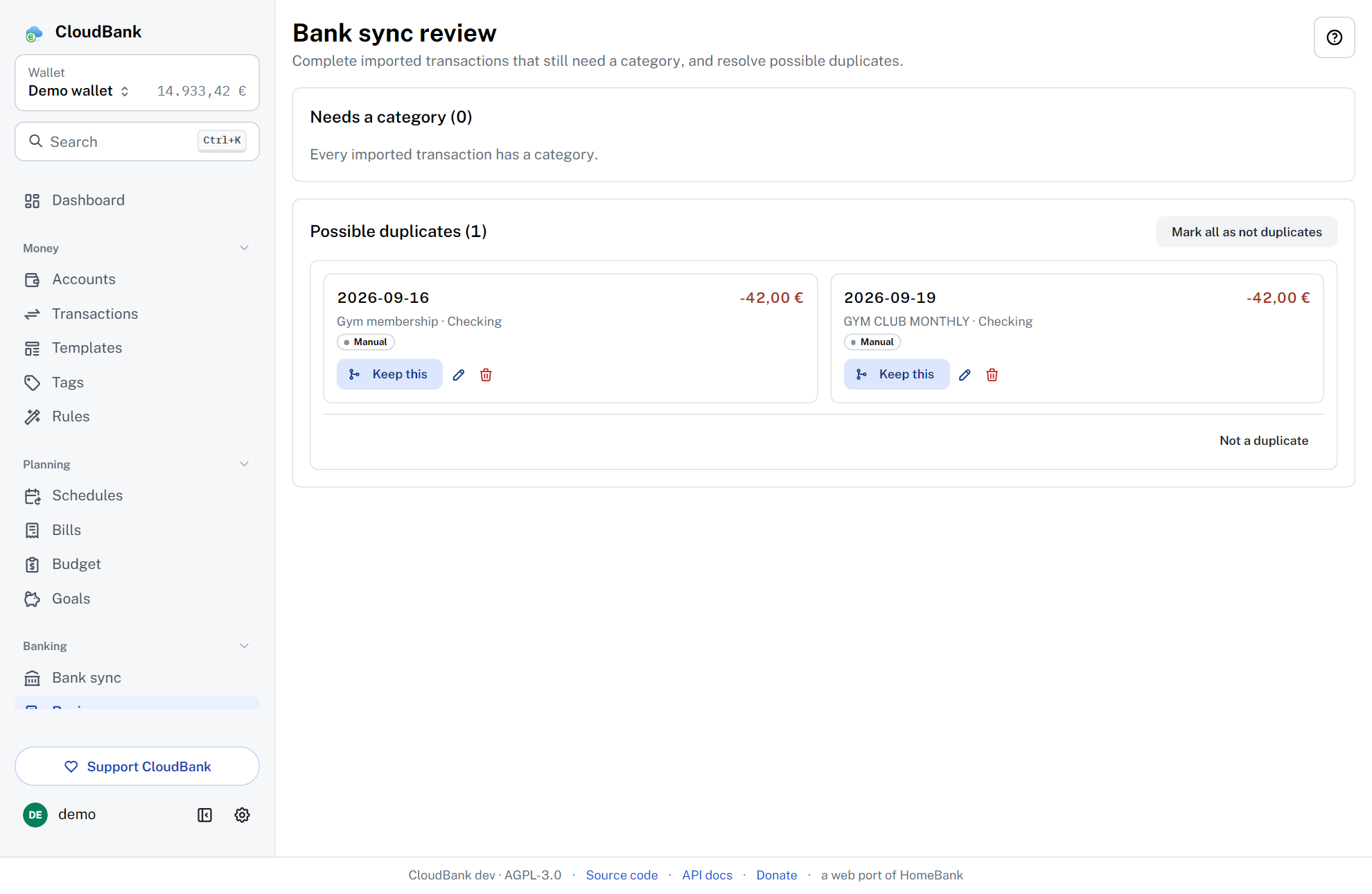
- 12 payment types, the cleared/reconciled lifecycle, category splits, free tags, internal (and cross-currency) transfers, bulk edit and duplicate detection.
- Powerful register
- Running balance, rich filtering with a future-transactions toggle, full-text search across memo, payee and category, per-user columns, a live selection total, reconciliation and double-click-to-edit.
- Scheduled transactions
- Automatic posting (optionally pre-registering up to three months ahead), per-period income and expense summaries, templates, and assignment rules for auto-categorization.
- Budgets and reports
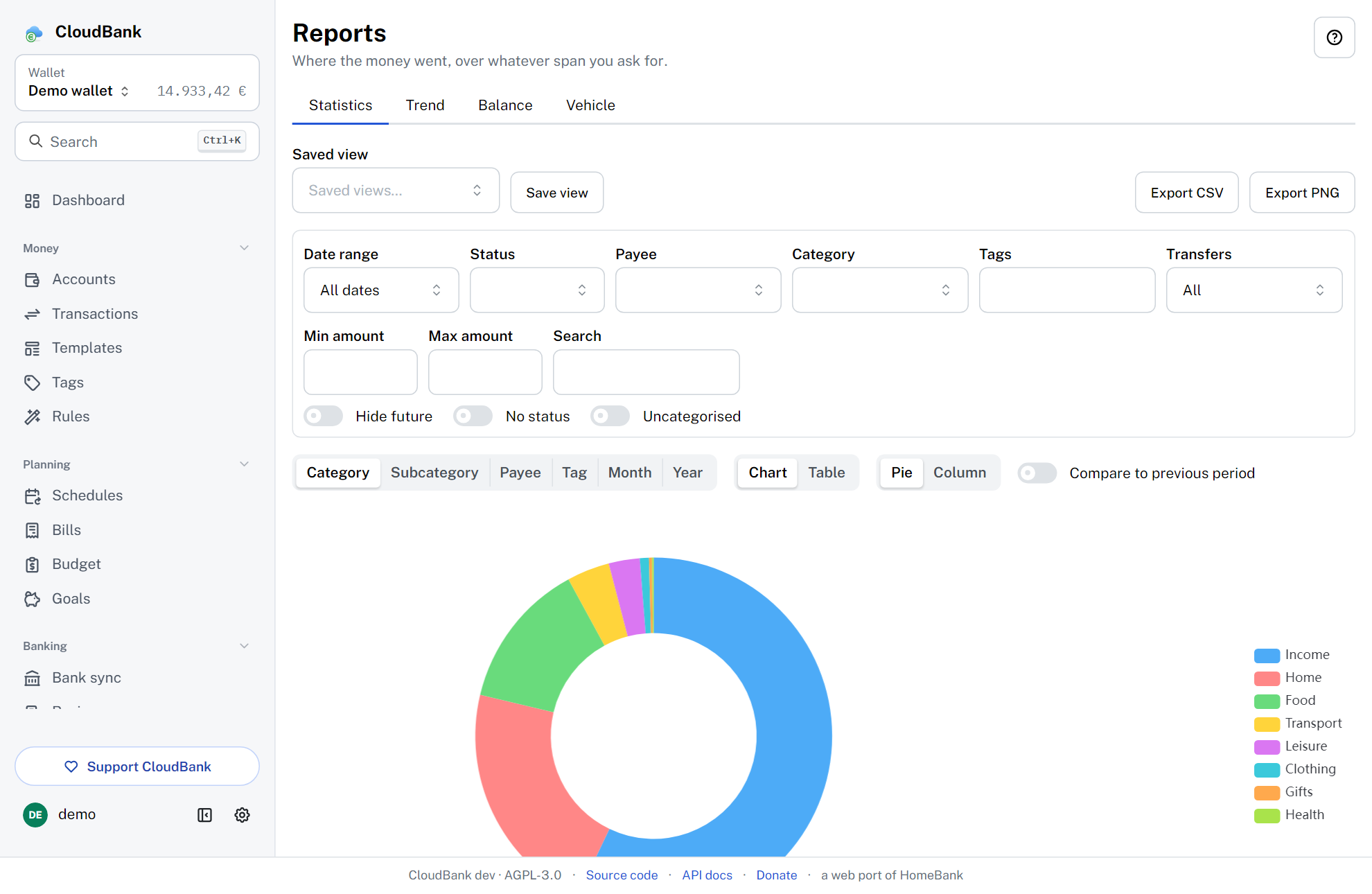
- Budgets plus a full report suite — Statistics, Trend Time, Balance, Budget and Vehicle cost — with interactive charts and CSV/PNG export.
- Savings goals and bills
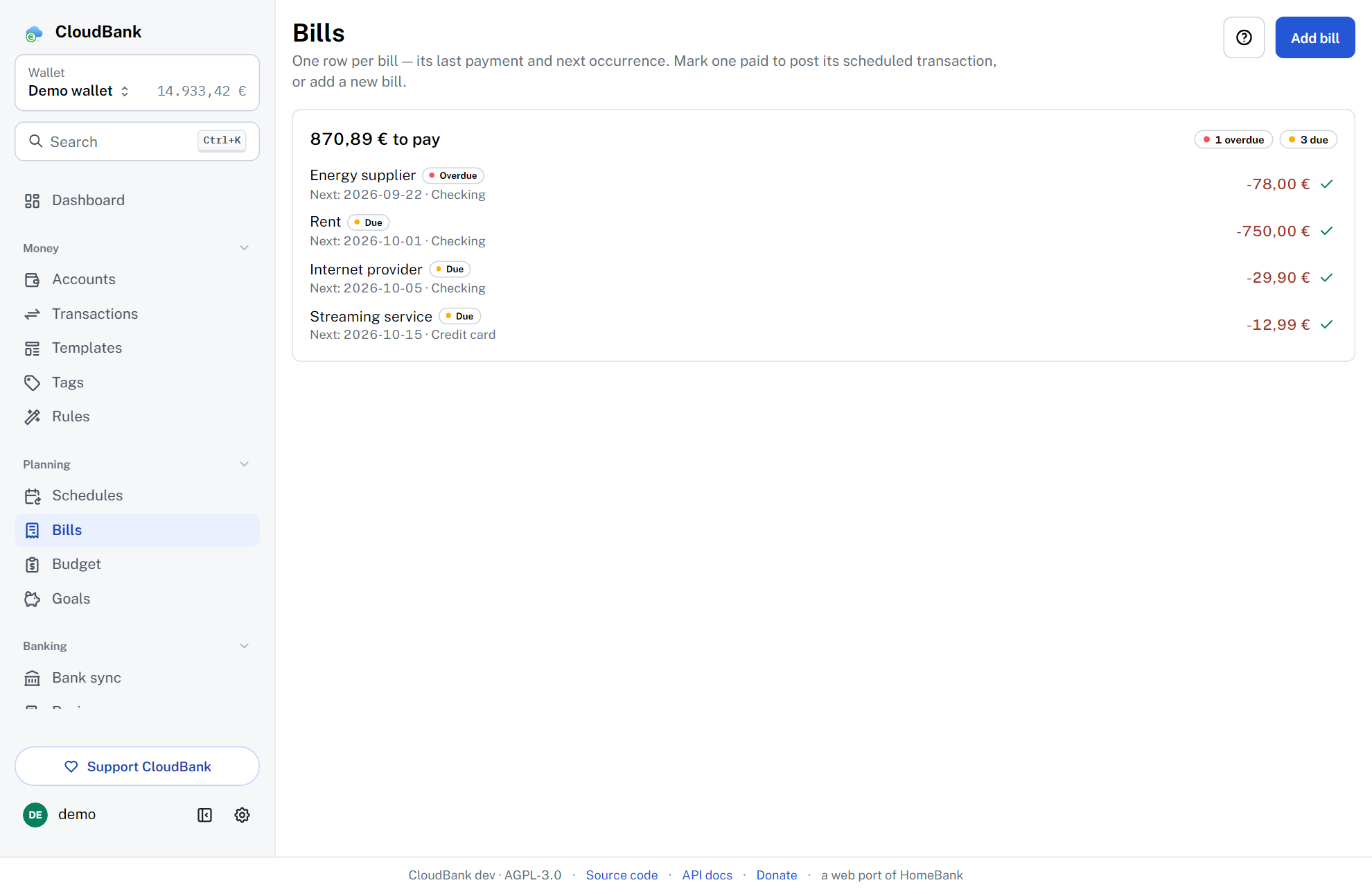
- Piggy-bank savings goals with contribute and withdraw, a progress bar and a target date; plus a "what's due" Bills view over your schedules (upcoming, due, overdue) with one-click posting.
- Import and export
-
Import HomeBank
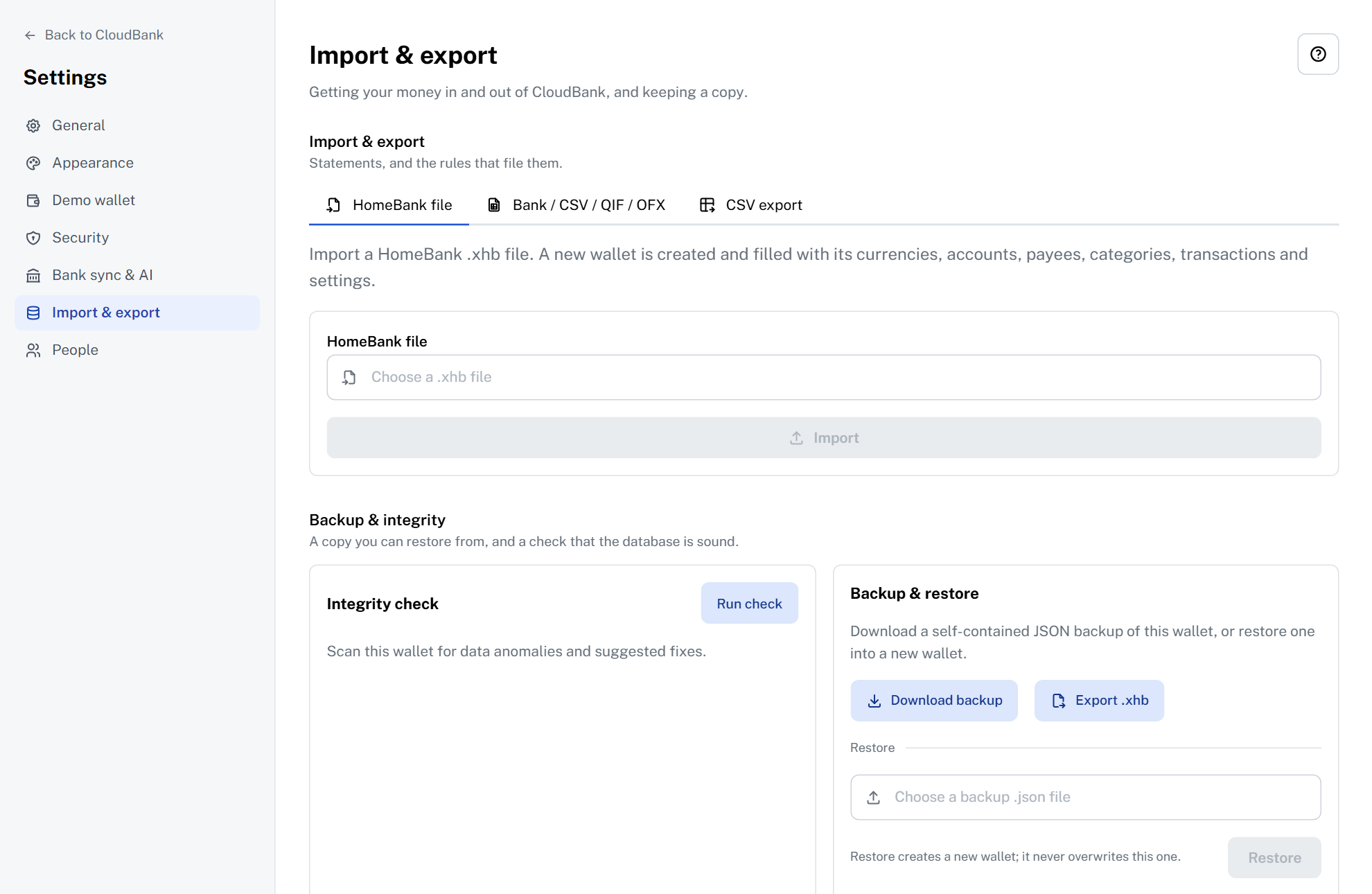
.xhb, QIF, OFX/QFX and CSV with an assistant; export back to HomeBank.xhb, QIF and CSV. - Automatic bank sync
- Pull new transactions straight from your bank — de-duplicated and run through your rules — via SimpleFIN (worldwide) or Enable Banking (EU/EEA and UK, PSD2), refreshed on a schedule in the background. Your bank credentials never touch the client.
- Multi-currency, multi-user
- Manual and online (ECB, frankfurter.app) exchange rates, admin-managed users, a responsive UI, and English and Italian.
Make it yours
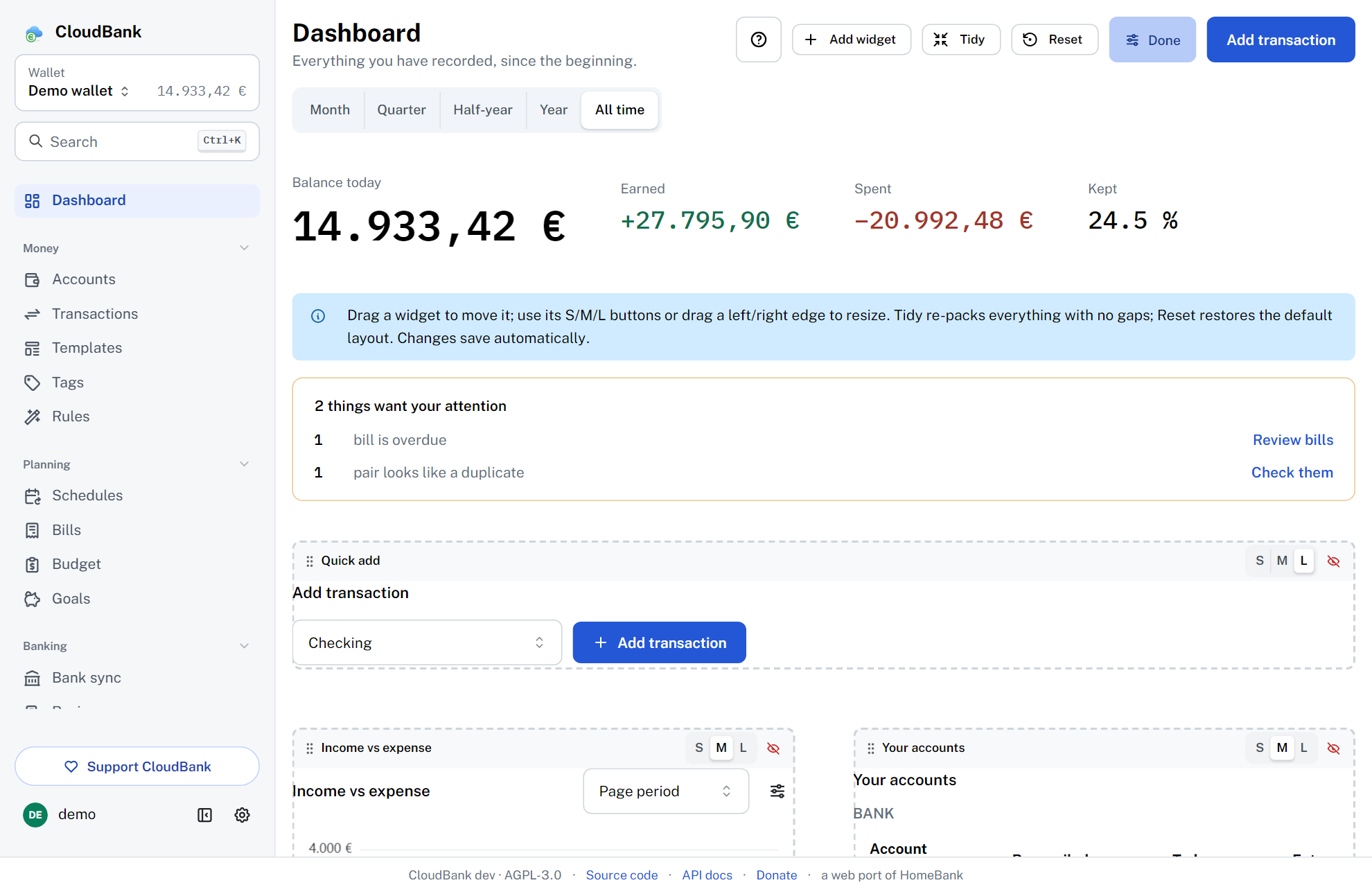
CloudBank is built to fit how you work. The dashboard is a free-form grid: place and resize widgets anywhere, and add multiple instances of any widget — balances, quick-add, spending donut, budget gauge, upcoming, account balance, recent transactions, big-number key figures and free-text notes.
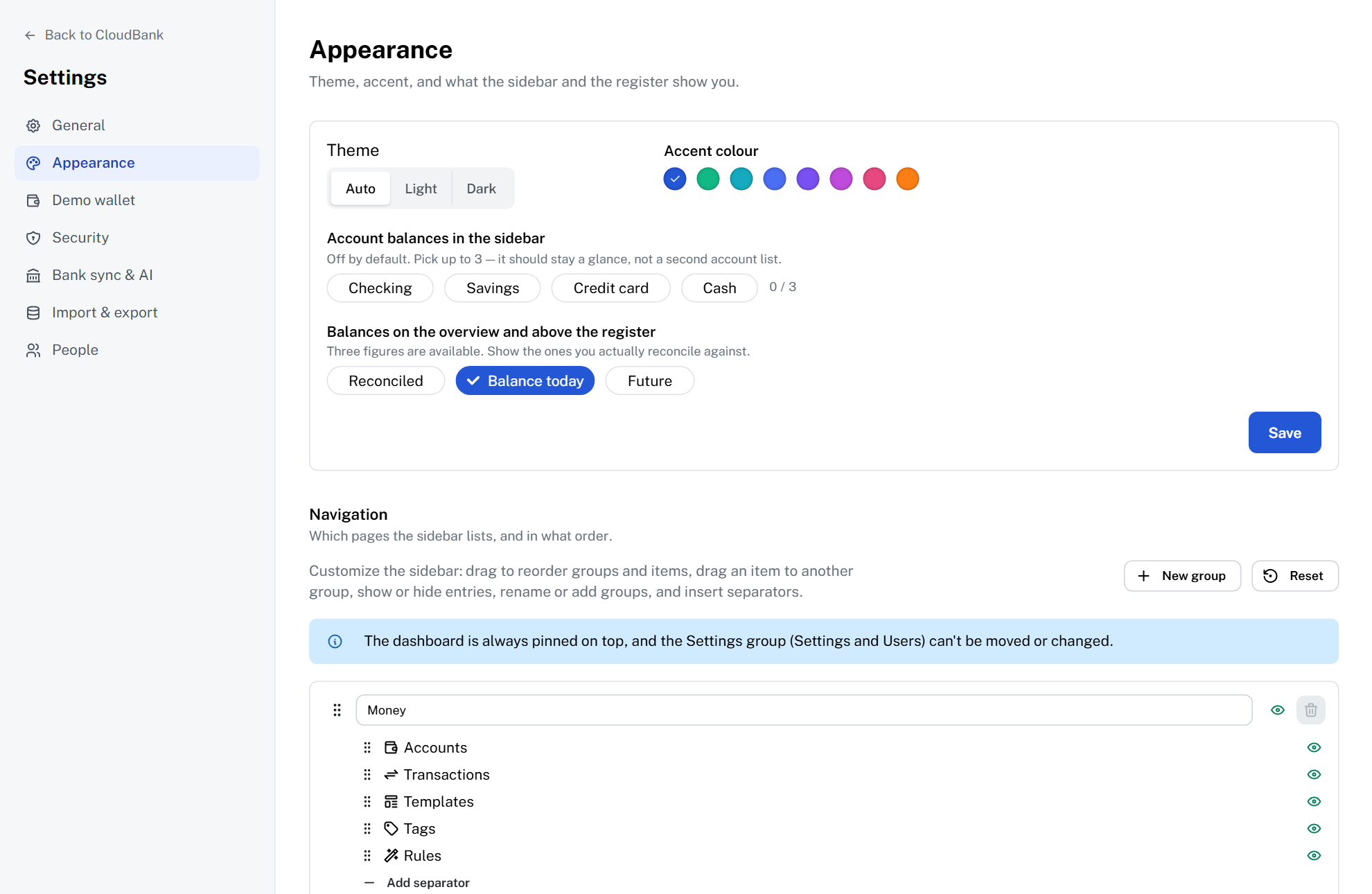
Pick from light, dark or auto themes with an accent-colour picker that follows you across devices, a collapsible and reorderable sidebar, HomeBank-style smart amount entry, and a first-login tutorial you can restart any time.
Secure, and on every device
CloudBank v3 grew up: it installs like a native app and takes account security seriously.
- Two-factor auth
- Optional per-user TOTP with authenticator apps — QR enrolment, one-time recovery codes and a two-step login.
- Installable PWA
- A web-app manifest, icons and an offline app shell — install CloudBank to your phone's home screen or your desktop.
- Web push reminders
- Opt-in browser push notifications for schedule and bill-due reminders, with VAPID keys stored server-side.
- Personal API tokens
- Scoped, revocable bearer tokens for programmatic access — the token secret is shown once, at creation.
- Encrypted secrets at rest
-
Set
CB_SECRET_KEYto encrypt bank credentials, AI keys, 2FA secrets and the push key in the database with AES-256-GCM.
Optional AI, with your own key
Entirely optional and provider-agnostic: you plug in your own API key, and it stays server-side, write-only, and is never returned to the browser. Leave it off and CloudBank makes no AI calls at all.
- Category suggestions
- Suggests a category for a transaction from its description — a nudge, not an autopilot; you stay in control.
- Natural-language entry
- Type "coffee 3.50 yesterday" and get a pre-filled transaction to review before you save it.
Run it yourself
You need Docker with the Compose plugin. One container, no external database — your data lives in a volume you control:
services:
  cloudbank:
    image: ghcr.io/easly1989/cloudbank:main   # latest stable release
    container_name: cloudbank
    restart: unless-stopped
    ports:
      - "8080:8080"
    environment:
      CB_SECURE_COOKIES: "false"              # only for a plain-HTTP LAN install
    volumes:
      - cloudbank-data:/data

volumes:
  cloudbank-data:
docker compose up -d
# open http://localhost:8080 and complete the first-run admin setup
Stable, :main |
v3.2.0, published September 2026 |
|---|---|
Nightly, :latest |
built from main, published on every change |
Note the tag scheme. It's intentionally unconventional:
:main is the latest stable release, while :latest is the
bleeding-edge nightly. Pin deliberately. Optional env vars let you harden and tune it:
CB_SECRET_KEY encrypts secrets at rest, and
CB_BANK_SYNC_INTERVAL sets how often background bank sync looks for
connections that are due (default 1h; each connection keeps its own schedule). An
interactive API reference is served at /api/docs.
Open and free — support it
CloudBank is an open-source labour of love, released under the AGPL-3.0. If it's useful to you, a donation genuinely helps and is much appreciated.